
Our Services

Creativity
Every brand has a story to tell. Our team of seasoned sales professionals have many year's experience in the print industry. We look forward to sharing our knowledge and expertise to help you at the beginning stages of your project. Whether it be specialty inks, touches, papers or stocks, and finishes in print, we're here to helpl

Digital Print
Fast, versatile, and captivating I We're the proud home to Kentuckiana's first, state-of-the-art HP Indigo 18K Digital Press. It's the latest in digital print technology by HP, prints up to 24pt board on a 20" x 29" sheet. You're invited to experience the latest in digital technology with breakthrough intelligent automation. Variable data, graphics/imaging and personalization unlike any other, and with flexibility on the widest range of media. Typically, digital printing is usually known for speed and efficiency, but here at Welch Printing it also means creativity and premium quality, with enhanced and unique effects.

Captivating Color!
Our Heidelberg 40" lithographic press-the Cadillac of the print industry-is known for its workhorse reliability and exceptional quality. With six-color printing and six coating options, it's built to handle large-run projects with ease. From booklets and brochures to direct mail, annual reports, newsletters, and magazines, this press delivers consistent, high impact results.

Technology
We're much more than ink on paper, We're a team of technological specialists! Imagine having a 24/7 simple solution for submitting orders from several different offices, reviewing proofs, with distribution to several branch offices, all in a way that ensures brand consistency and continuity! Sound enticing? Ask us about our secure storefront possibilities.

Wide Format
Large or small, we do it all! Up to 40" wide and any length you desire. We can print on a variety stock and mount to foam core and coroplast. Vinyl and retractable banners are also available for your next trade show, conference, or company event.

You want your name on what?
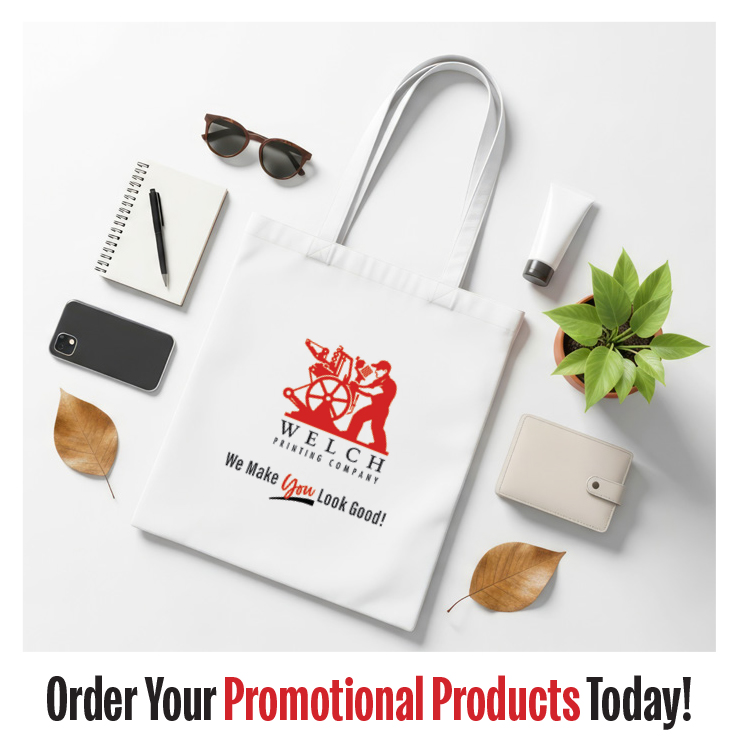
We can do that! Choose from thousands of promotional products customized with your logo or message. From apparel and drinkware to pens, mugs, stadium blankets, tote bags, and beach balls-if can name it we can brand it. We specialize in sourcing creative, eye-catching promotional items and offering smart ideas that make your next event stand out.